

Description
Download UC Browser Turbo Fast Download Secure Ad Block APK – fast browser, secure browsing, video downloader, ad blocker, cloud acceleration, minimalist browser, data saver, offline video, private browsing, HD video streaming, social media status downloader, internet speed test
Overview
UC Browser Turbo Fast Download Secure Ad Block APK presents itself as a streamlined alternative to mainstream web browsers, developed by the UC Browser team. Designed with simplicity and performance in mind, it aims to deliver fast, secure, and data-efficient browsing without the clutter of news feeds, push notifications, or intrusive content. The app targets users seeking a distraction-free environment for web navigation, particularly those who value speed, privacy, and offline access to media. It is especially suited for mobile users on limited data plans or those who frequently stream or download videos. The browser leverages cloud acceleration technology to fetch web content from nearby servers, reducing latency and improving load times. This approach not only enhances performance but also contributes to data savings. The app includes built-in tools such as a video downloader, ad blocker, and privacy features like encrypted storage for downloaded files. It also supports background video playback and offline viewing through cached content. While the developer did not provide additional system requirements, the lightweight 24.5 MB installation size suggests suitability for mid-range Android devices. Real-world use cases include daily browsing, social media content consumption, and media downloads in low-connectivity environments.Key Features & Capabilities
- Cloud Acceleration Technology – The browser uses remote servers to optimize data delivery, reducing load times and conserving mobile data by fetching content from the nearest available node.
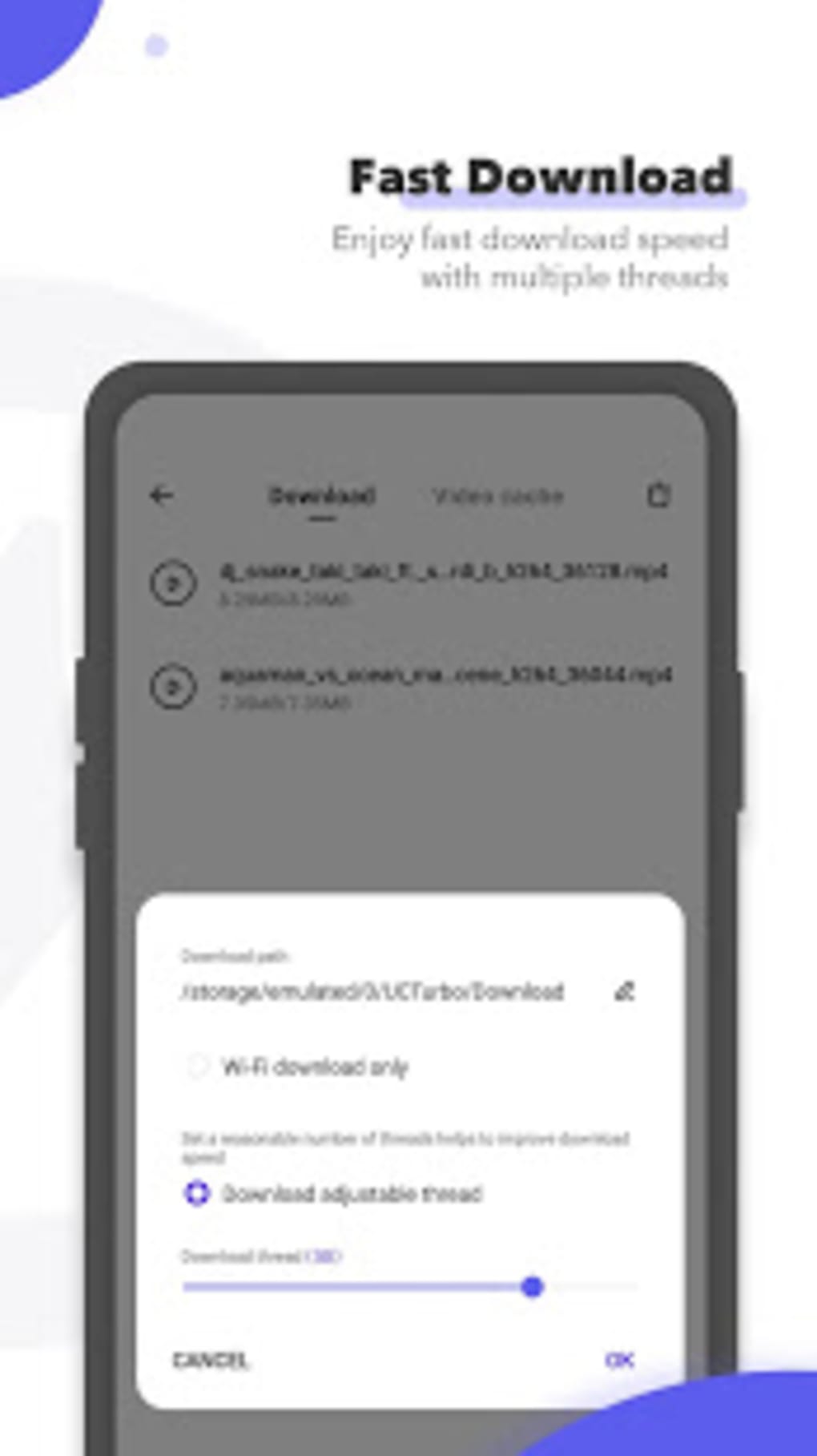
- Fast Video Downloading – Built-in download functionality supports high-speed, stable downloads with multiple threads, enabling efficient HD video acquisition from supported platforms.
- Ad and Tracker Blocking – Integrated ad blockers improve page load speed and reduce data usage by filtering out advertisements and tracking scripts during browsing sessions.
- Private Browsing Mode – Offers incognito-like functionality to prevent browsing history, cookies, and site data from being stored after a session ends.
- Encrypted File Storage – Allows users to hide and password-protect downloaded files, including videos, images, and documents, creating a secure personal vault within the device.
- Background Video Playback – Enables continuous video streaming even when the app is minimized or the screen is off, ideal for long-form content consumption.
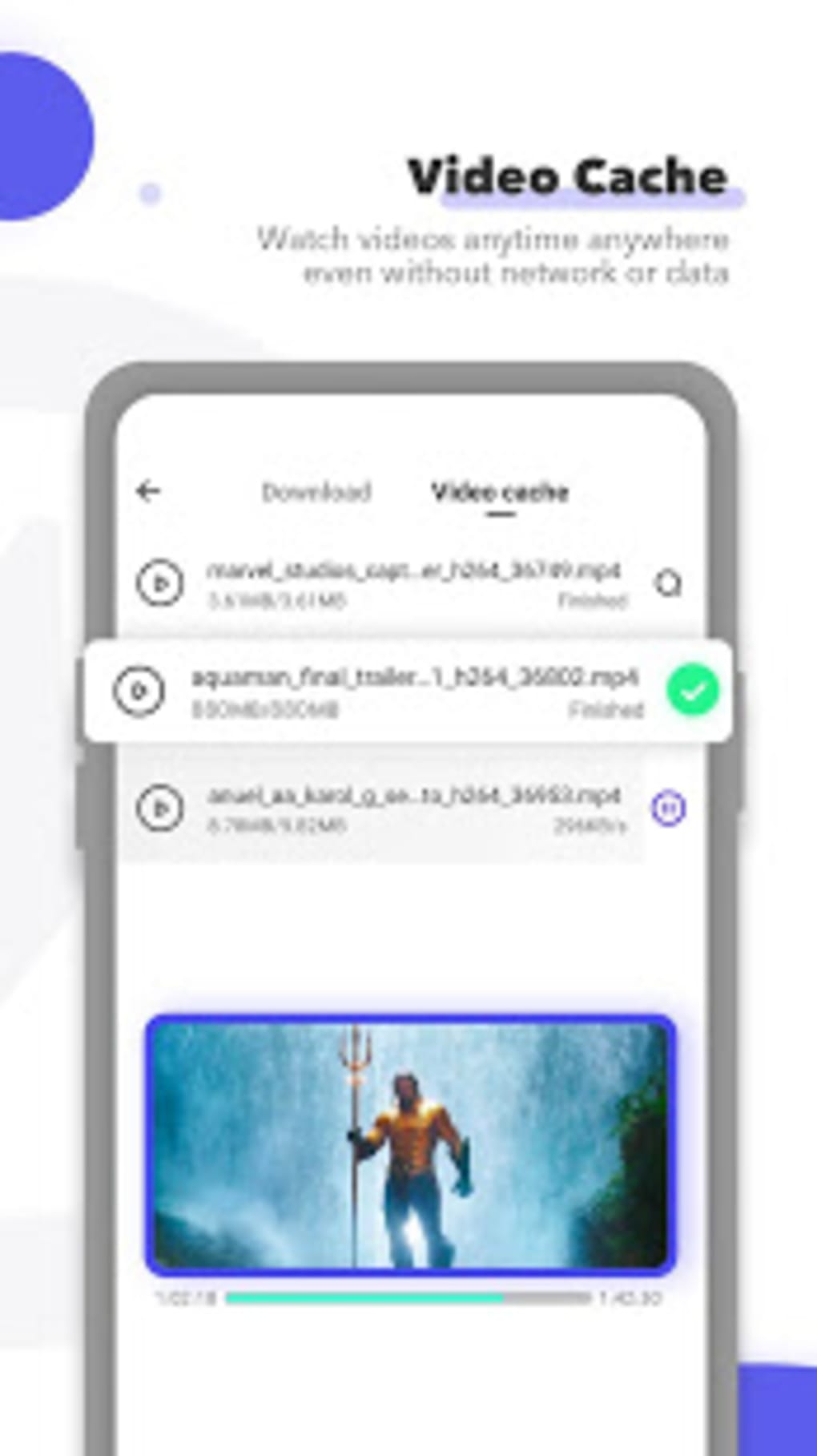
- Offline Video Access – Cached videos can be stored locally for playback without an internet connection, supporting uninterrupted viewing.
- Integrated Toolkit – Includes tools such as a social media status downloader, image search, and internet speed test, all accessible without additional installations.
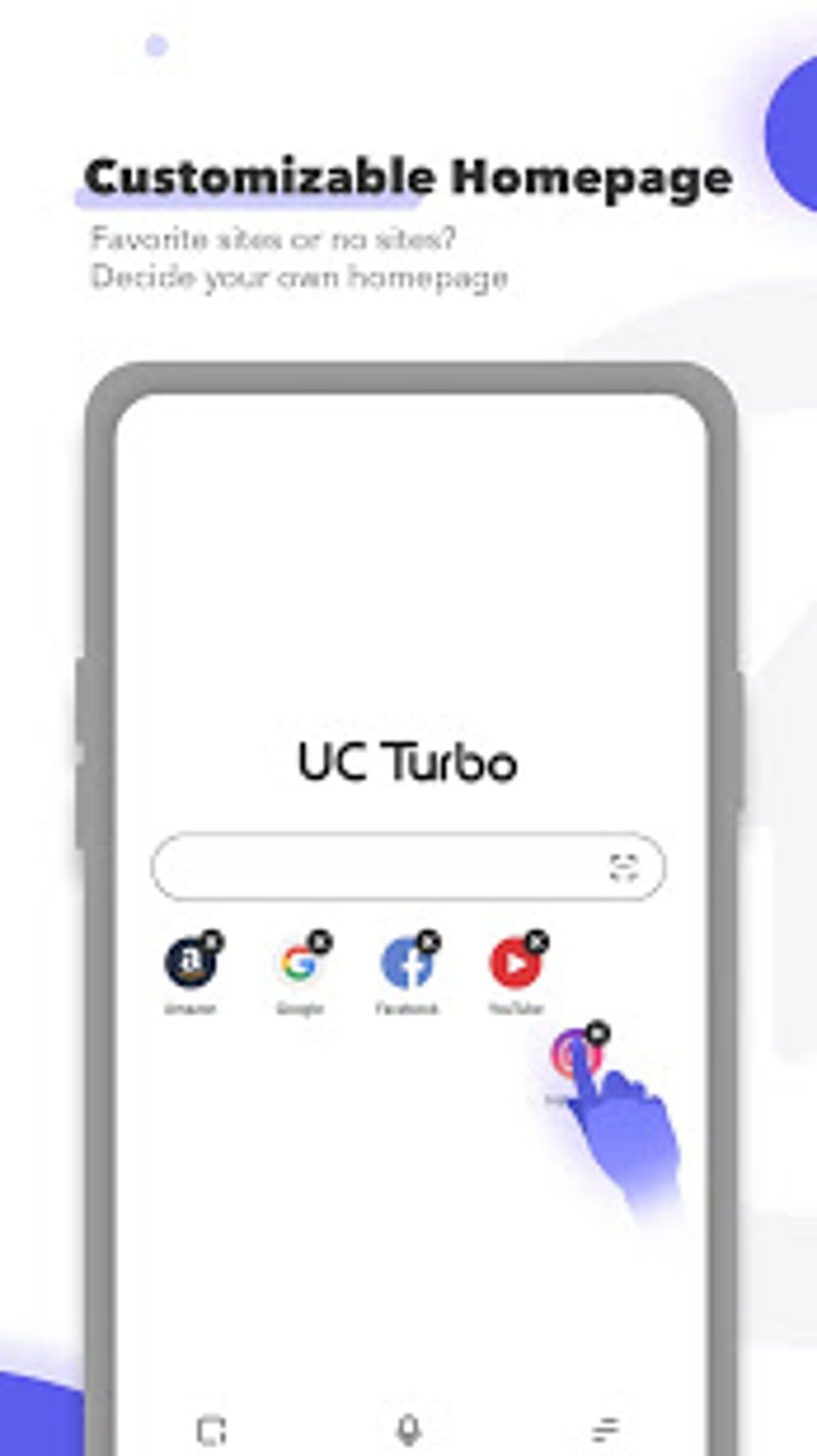
- Customizable Homepage and UI – Users can personalize their browsing experience with custom bookmarks, default sites, and HD wallpapers, including the option to use personal photos.
User Interface, Workflow & Performance
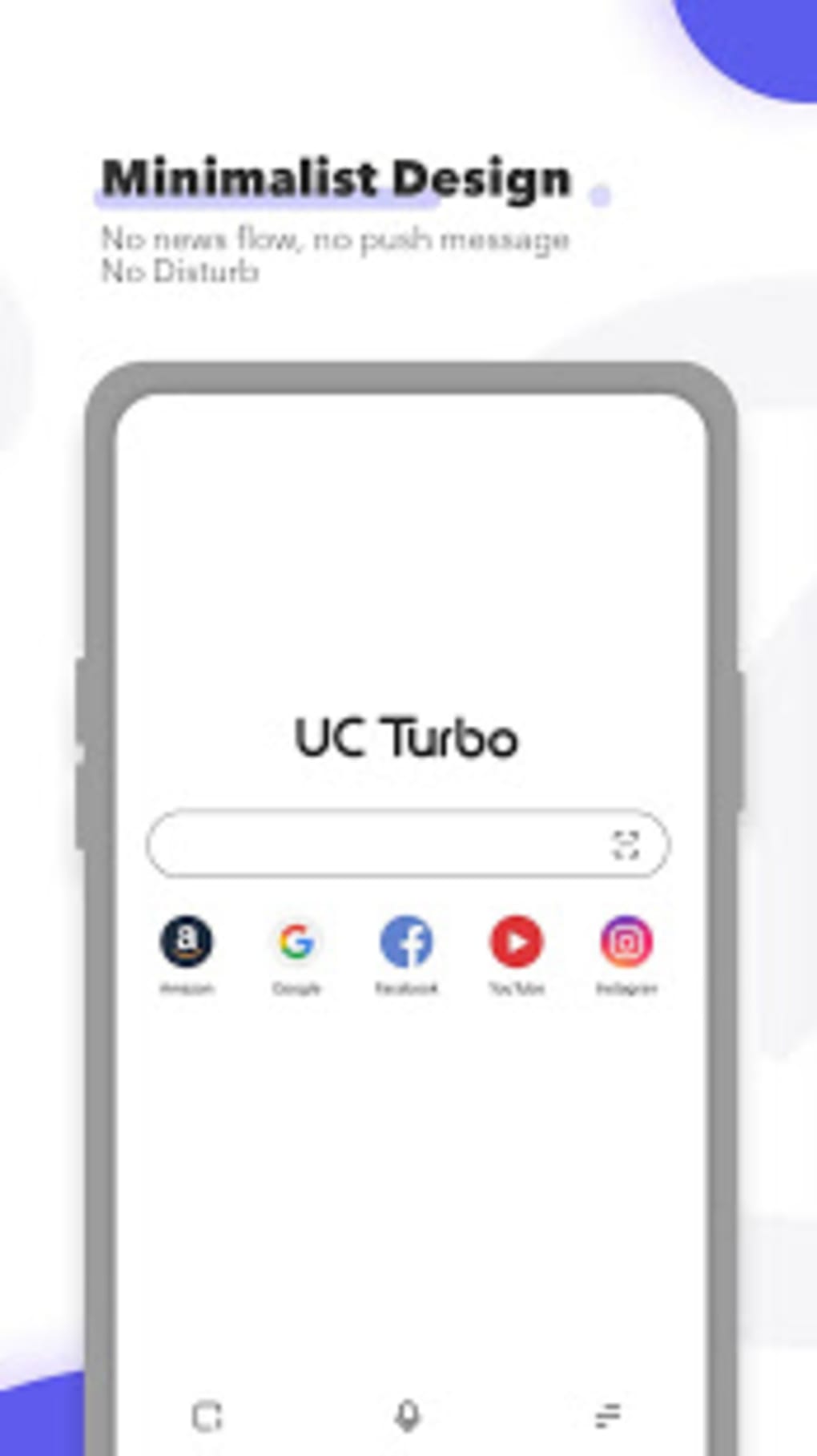
The user interface of UC Browser Turbo is designed with a minimalist philosophy, emphasizing clarity and ease of navigation. The layout avoids clutter by omitting news feeds, banners, and push notifications, offering a clean, focused browsing experience. Navigation is intuitive, with essential controls such as back, forward, refresh, and new tab accessible via a simple toolbar. The homepage supports customizable bookmarks, allowing users to set preferred websites as default entry points. Workflow efficiency is enhanced by features like background playback and offline caching, which reduce dependency on real-time connectivity. The browser’s performance is optimized for speed, with cloud acceleration helping to minimize loading delays. However, exact performance details were not specified by the developer. General behavior suggests efficient memory and CPU usage, especially given the app’s lightweight 24.5 MB size. Stability during extended use and multitasking scenarios was not detailed. The developer did not specify resource usage patterns or performance benchmarks. Nevertheless, the design implies a focus on responsiveness and low system strain, making it suitable for devices with limited processing power or RAM.Compatibility & System Requirements
UC Browser Turbo is designed for Android devices and is available as an APK file. The app version is 1.0.0, with a download size of 24.5 MB. It is intended for use on Android operating systems, though specific OS version requirements were not provided. The developer did not list exact hardware specifications or minimum RAM/CPU thresholds. Compatibility information is limited to the platform, with no mention of support for tablets, wearables, or other device types. Installation is straightforward, and the app does not require root access. Users should ensure their device meets general Android compatibility standards for APK installation. The developer did not specify whether the app supports Android 5.0 or later, or newer versions. For optimal performance, users are advised to install the app on devices with sufficient storage and stable internet connectivity. Exact performance behavior under varying conditions remains unspecified.Pros and Cons
Pros
- Minimalist design with no distracting news feeds or notifications
- Fast browsing powered by cloud acceleration technology
- Efficient data saving through optimized content delivery
- Integrated ad blocker improves speed and privacy
- Secure private browsing mode with incognito functionality
- Supports background video playback and offline viewing
- Encrypted storage for downloaded files enhances privacy
- Includes built-in tools like social media downloader and speed test
- Lightweight size (24.5 MB) reduces storage footprint
- Customizable homepage and UI with HD wallpaper support
Cons
- Exact system requirements and OS compatibility details not provided
- No information on long-term stability or battery impact
- Performance under high usage or low connectivity not specified
- Some features from the original UC Browser may be missing
- APK installation may require enabling unknown sources on Android
FAQ Section
Is UC Browser Turbo compatible with all Android devices?
The app is designed for Android, but specific compatibility details such as minimum OS version or hardware requirements were not provided by the developer.
Is the app safe to download and install?
UC Browser Turbo is distributed as a free APK. While the developer is the UC Browser team, users should ensure their device allows installation from unknown sources and verify the file’s integrity before use.
Does the browser require internet access to function?
Basic browsing requires an active internet connection. However, downloaded videos and cached content can be accessed offline, enabling use without connectivity.
Can I use the ad blocker and private browsing features without a subscription?
Yes, the ad blocker and incognito mode are available in the free version of the app, with no reported limitations on these features.
How do I protect my downloaded files with a password?
The app includes a feature to hide and password-protect downloaded content such as videos and images, creating a secure, private space within the device.
Final Thoughts + CTA
UC Browser Turbo Fast Download Secure Ad Block APK delivers a focused, high-speed browsing experience tailored for users who prioritize efficiency, privacy, and media accessibility. Its minimalist interface, combined with powerful features like cloud acceleration, video downloading, and encrypted storage, positions it as a compelling alternative to mainstream browsers. The inclusion of built-in tools and support for offline viewing enhances its utility beyond standard web navigation. While some technical details such as system requirements and performance metrics remain unspecified, the app’s lightweight footprint and clear design suggest broad compatibility and low resource consumption. It is particularly well-suited for mobile users on data-limited plans, content consumers, and privacy-conscious individuals. With its blend of speed, security, and convenience, UC Browser Turbo stands out in the crowded browser market. Download UC Browser Turbo now.Guides & Tutorials for UC Browser Turbo Fast Download Secure Ad Block APK
How to install UC Browser Turbo Fast Download Secure Ad Block APK
- Click the Preview / Download button above.
- Once redirected, accept the terms and click Install.
- Wait for the UC Browser Turbo Fast Download Secure Ad Block APK download to finish on your device.
How to use UC Browser Turbo Fast Download Secure Ad Block APK
This software is primarily used for its core features described above. Open the app after installation to explore its capabilities.
User Reviews for UC Browser Turbo Fast Download Secure Ad Block APK 0
No reviews found





